Your Guide to Buying a Flash Memory
What are the specifications and features you need to check when purchasing a flash memory? What are the differences between each type?



Users are now seeking more storage since there are more data that they need to save and use. Having a portable memory device is a necessity now, especially for students, business sectors, financial sectors, and people working in information technology.
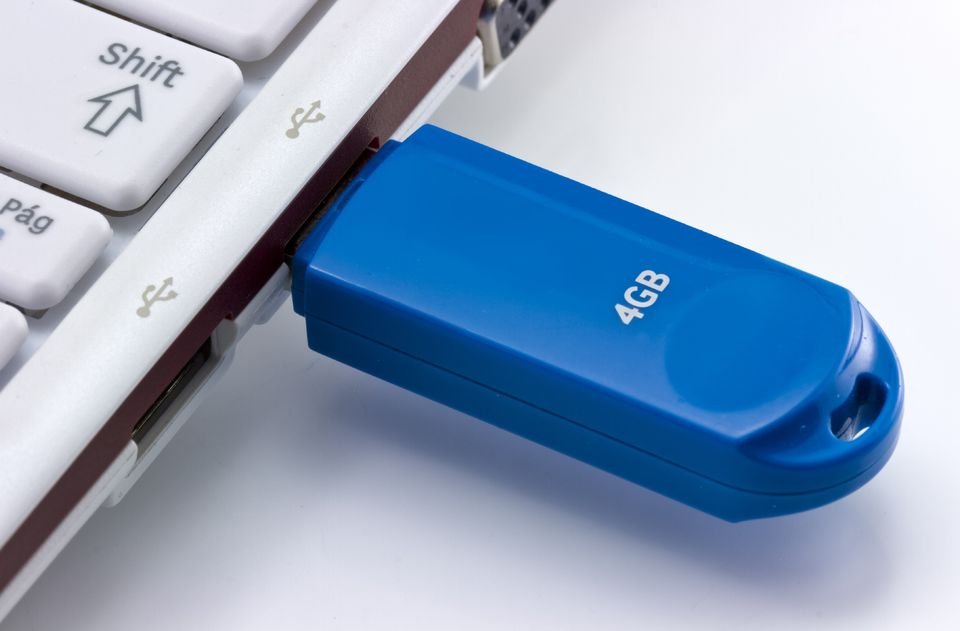
Companies who manufacture flash memories are competing to produce a device that is suitable for all sectors and users. So far, the flash memories produced are compatible with keyboards and printers where you can connect the flash to a printer and directly print documents and pictures. The flash memory is more commonly known as a USB since it is connected to devices via USB ports.
We must point that flash memories replaced other portable storages like floppy disks and CD’s (although the latter is still used). We have brought you some articles comparing between flash memories and hard drives and other articles that you can check in our guides section.
People who want to purchase flash memories find themselves facing many different choices since the market is filled with many different options; this ends with them making a random purchase to later find it does not meet their need and end up buying more, and so on until they find themselves with many USBs that do not perform the way they want them to!
It is true that flash memories have a certain time span, but that does not mean you should buy a random one! You can always purchase one that is long lasting and that is what we will help you do through this article! We will list the different specifications and features below like memory capacity, data transfer speeds, as well as the design.
Memory Capacity

To begin with, you must determine the capacity of the flash memory you wish to purchase. One of the most important questions on anybody’s mind is: “What is the memory capacity I want?” Surely, the answer depends on the nature of your tasks and files you want to save.
The capacity of Flash memories ranges from 512 megabyte to more than 128 gigabytes! Some even reach 1 terabytes! The more capacity the flash has, the more expensive it gets.
Labeb’s advice to you is to choose the capacity in accordance with the data you want to save, we will help you determine that below:
Flash memories between 1 and 8 gigabytes are suitable for people who want to save word documents, text files, and some JPEG images. This is because word document files have a small size and usually does not exceed 500 kilobytes (when it is big), while many images on the internet have a small size ranging around 500 kilobytes as well; a 4 gigabyte memory can fit hundreds of these files.
16 gigabyte flash memories are suitable for high quality images, files with diagrams, and other small sized files like MP3 files as the average MP3 has a size of 5 megabytes.
32 gigabytes flash memories and above are suitable for people who want to save videos, large music files, and many other data.
Labeb.com advices you to calculate the average size of the data you want to transfer and keep on a flash memory and then make a decision.
File Transfer Speed
File transfer speed from and to flash memories is measured in megabytes per second. The number of file transfer speed will give you an estimated time for copying or moving files.
In most flashes, there are two speeds, and these are usually written on the cover. The first number measures the amount of files on the memory (read speed), and the second number represents the file transfer (write speed). Basically, these numbers represent the time needed for the computer to recognize the memory and reach the files on it, and time needed to copy or move data to and from the memory flash.
If you need fast speed for transferring data and accessing files (like in business meetings), then you need a flash with fast speed. If you are a normal user, then average speeds will be more suitable.
Design and Outer Shape

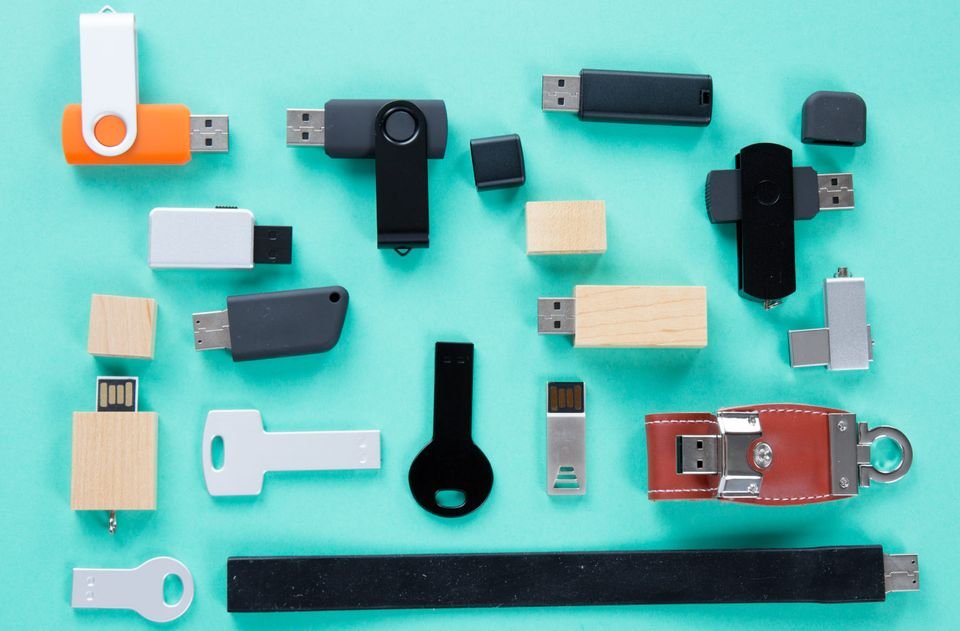
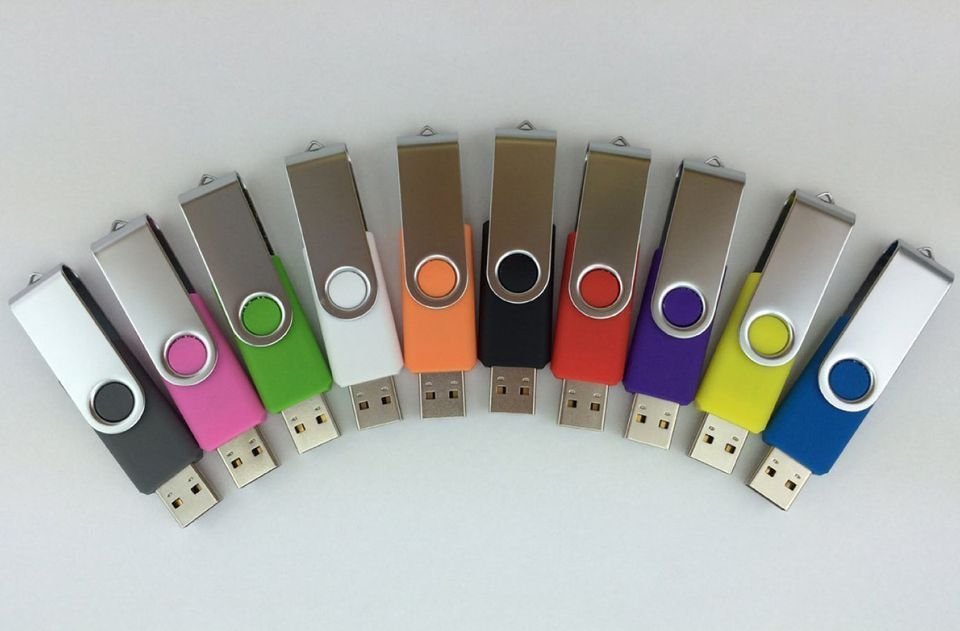
The market is filled with different designs, shapes, colors and patterns of flash memories. We advise you to choose what is suitable with your needs and what you like, as it will be unprofessional to go to a business meeting with a memory stick that looks like a cartoon character!
There are some designs that can be placed in key chains, and some have a reflector or a small light so it can be clear in dark places. Do not place much effort in the shape and design, as the speed and capacity are more important.
Summary

Since people started using flash memories, companies began to compete against each other to produce the best flashes, especially when it comes to capacity and speed. Also, companies are producing flash memories that are compatible with the most recent USB ports, thus there are three generations of memories:
The first generation flash memories are available in the market since 2001; they have limited memories that do not exceed 1 gigabyte and were mostly measured in megabytes.
The second generation flash memories (USB 2.0); these have been developed and improved by manufacturing companies to become flash memories with a gigabyte capacity instead of megabytes. These also had improved file transferring and reading speeds.
The third generation flash memories (USB 3.0) are the most advanced nowadays; they also have improved memory capacity reaching terabytes and are ten times faster than the second generation memories.
After choosing the suitable capacity, making sure the speed is good, and choosing your preferred design, make sure to which generation the USB belongs. Note that, and generally speaking, the third generation flash memories are faster than the second generations, and the second generation is faster than the first.
Most importantly, choose what you need within your budget, and you will be making the correct and wisest decision.
Before making a purchase… Be smart!
- [[PropertyDescription]] [[PropertyValue]]